Package your own project with the MotionGit Skill
Prepare a working HTML / Canvas video project, rights to distribute its source and assets, and the complete Skill. Follow the current platform’s authoring-source rules and declare provenance accurately for manual review.
1. Get the Skill and confirm scope
Download it from the Skill page and read SKILL.md. Keep the original project. Work in a new template directory and confirm the entry point, assets, fonts, audio and frame-based rendering. Avoid including finished videos, private footage or dependency directories by default.
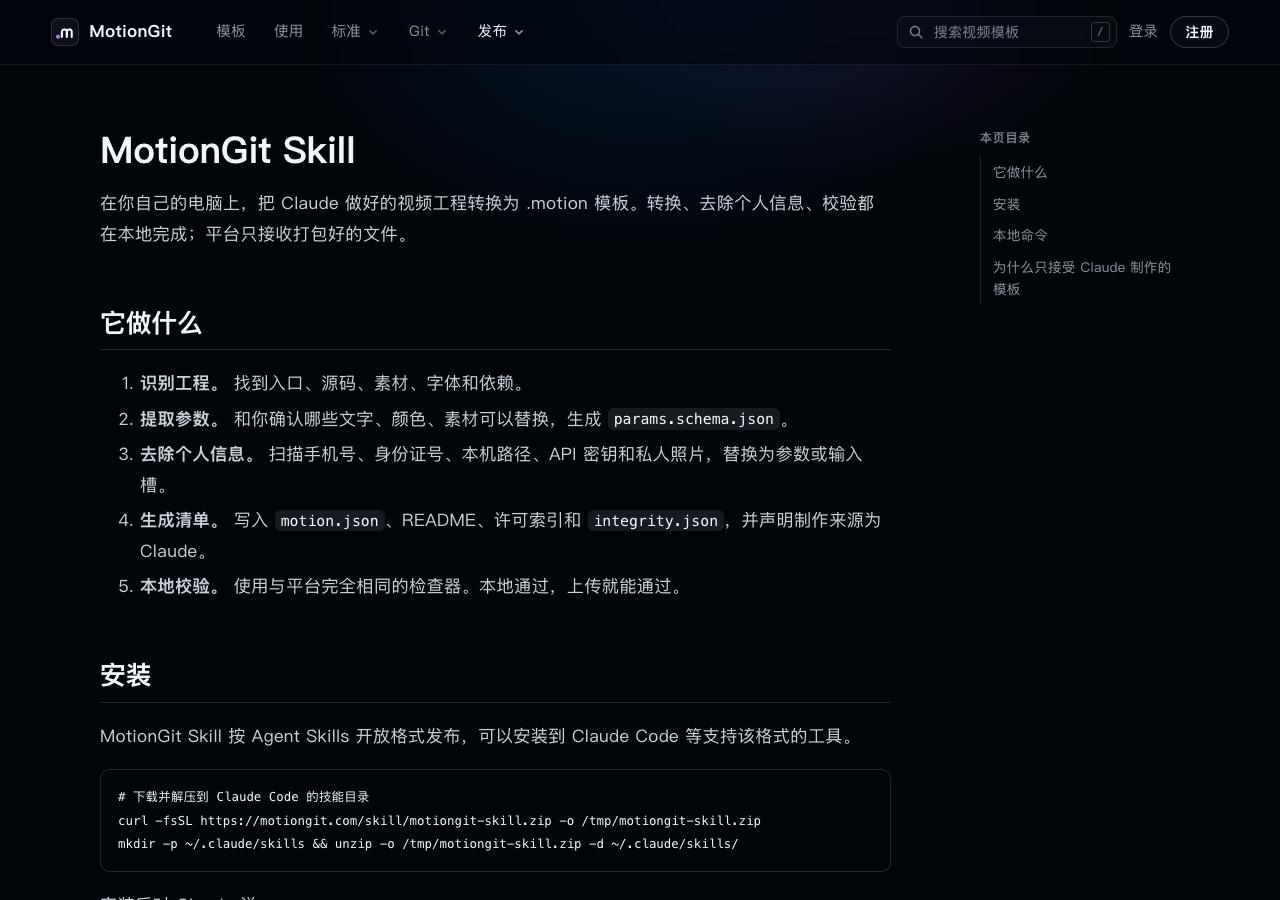
Figure 1: Use the downloaded SKILL.md for the actual CLI syntax.
2. Scan, then extract parameters
Run in the complete Skill’s motiongit directory. Replace placeholder paths.
node scripts/motion.mjs scan /path/to/my-projectReview phone numbers, emails, local paths and tokens individually. Remove private content; expose reusable copy, colors and assets as parameters. Scan again after cleanup. Confirm how each input affects the picture, its default and behavior when assets are missing.
3. Build against the current specification
Check the current Skill and format specification. Prepare the manifest, parameter contract, complete presets, dependency lock, asset manifest, instructions and license index. Include new guidance files if your version requires them. Preserve truthful provenance and document the entry point, time, inputs and output. Exclude project instruction files that tools would automatically load.
Use the MotionGit Skill to turn my authorized project into a template. Keep the original and clean private content in a new template directory. Confirm parameters and styles with me. Follow the current SKILL.md for required files. Test default and changed inputs, then scan, pack and inspect. Deliver the package, hash and unresolved checks without uploading to the site.4. Package and inspect
node scripts/motion.mjs pack /path/to/my-template /path/to/out.motion
node scripts/motion.mjs inspect /path/to/out.motion
pack generates integrity.json and builds the package. Fix errors and review warnings and unverified items. inspect does not render; test the default, all styles and parameter changes in a new directory.
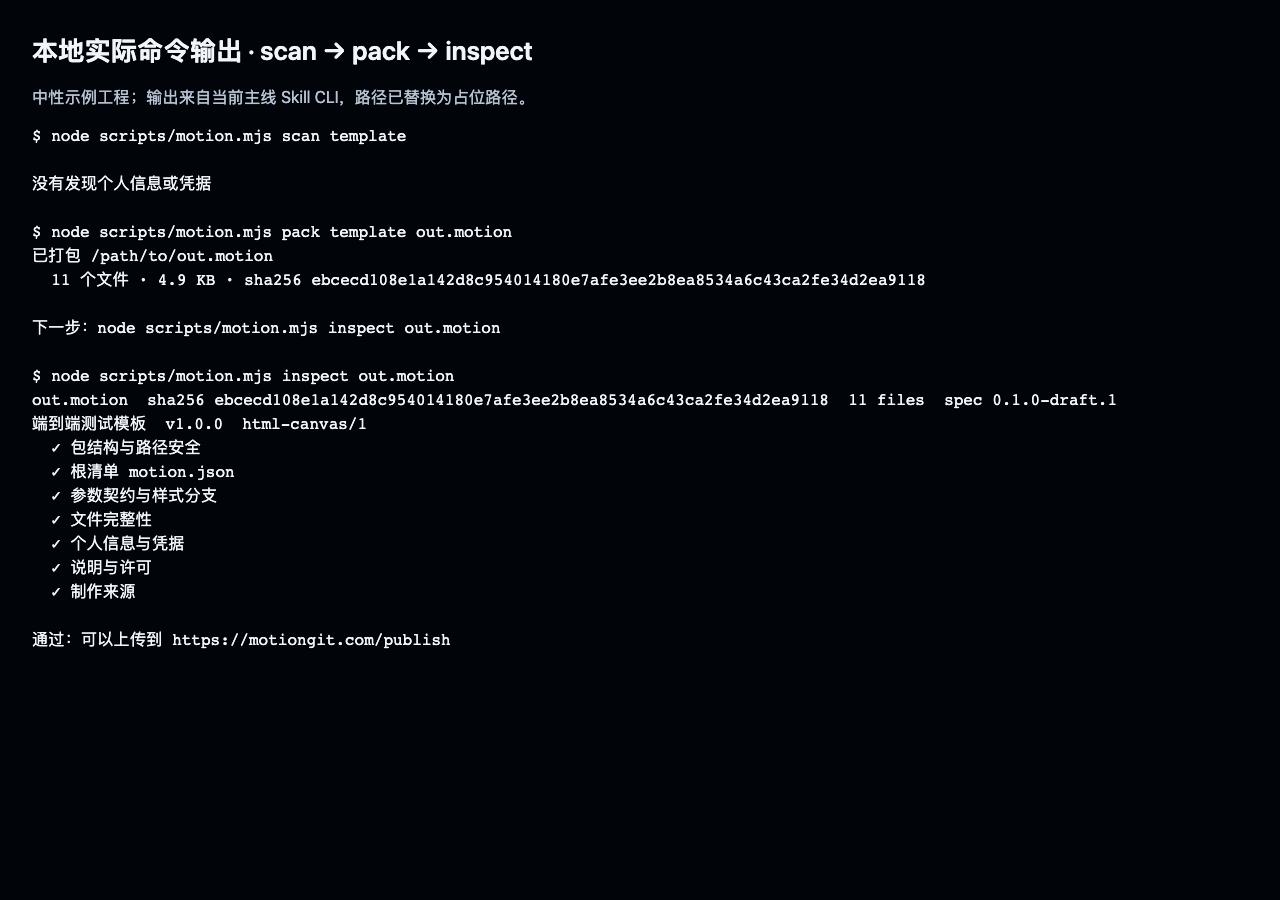
Figure 2: Actual CLI output from a neutral example project, shown for reading guidance. It does not replace acceptance of your project.
5. Review before publishing
Keep the .motion file, SHA256, preview, licenses and acceptance record. Remove personal Keys. Confirm source execution and real parameter changes before uploading the package, cover and an 8–20 second preview on Publish. Static inspection still requires manual review; packaging success does not mean publication.
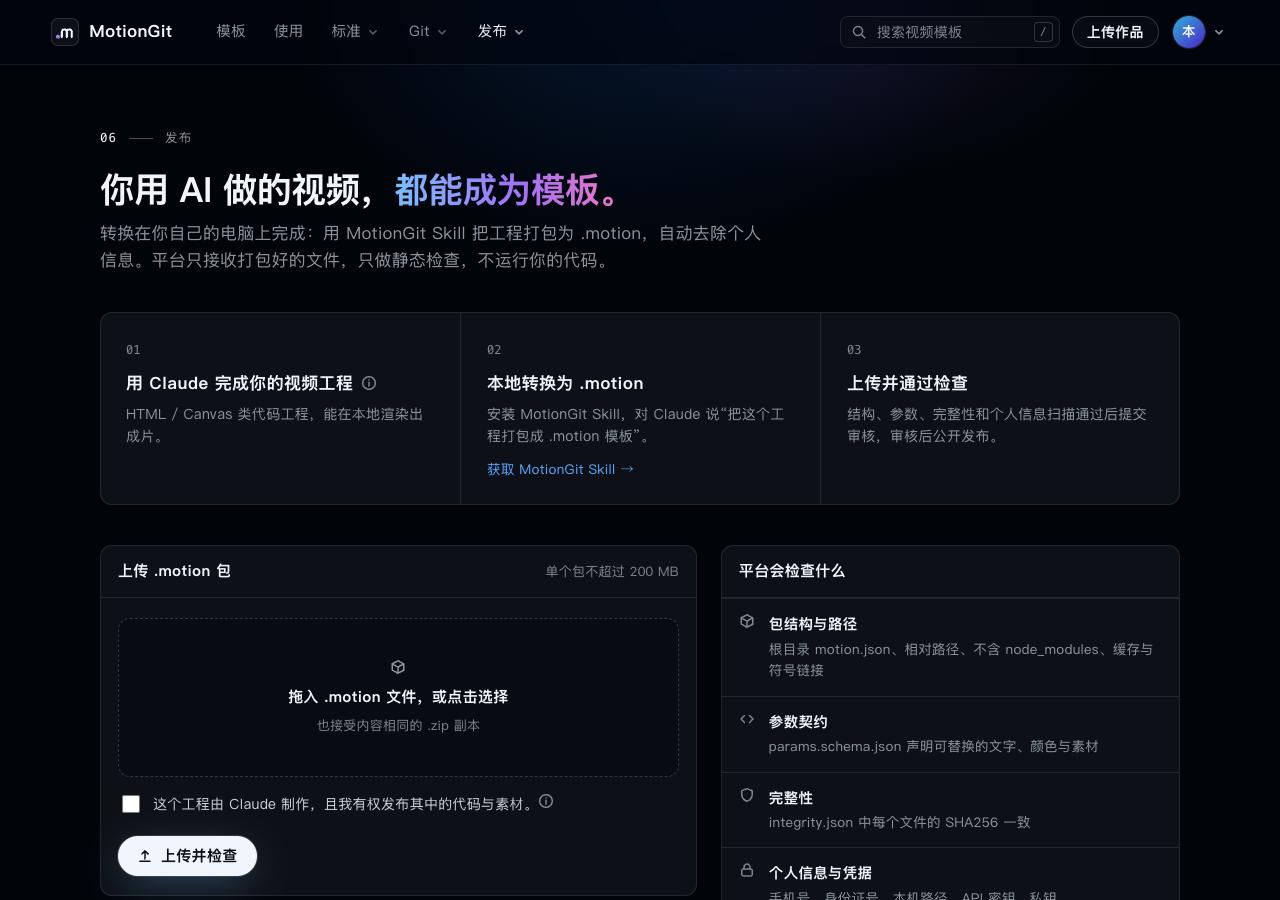
Figure 3: An isolated local account’s form. This tutorial uploaded nothing to production.